


 Send Inquiry
 Send SMS
 Call Me Free
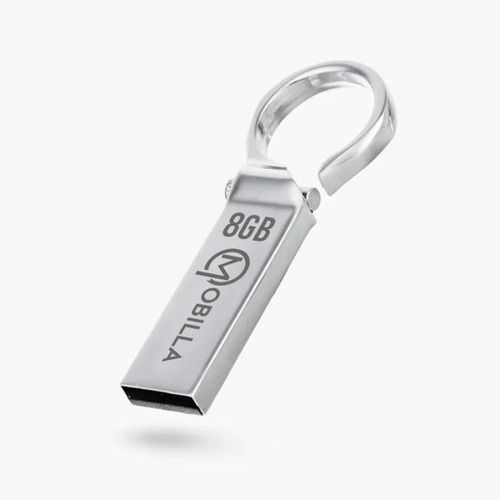
MDRIVE 8GB
499 INR/Number
Product Details:
- Size Approx. 54mm x 19mm x 8mm
- Voltage DC 5V (USB powered)
- Memory Size 8GB
- Weight 10g (approx.)
- Model MDRIVE 8GB
- Operating System Compatible with Windows, Mac, Linux
- Water Resistance NO
- Click to View more
X
MDRIVE 8GB Price And Quantity
- 499 INR/Number
- 1 Number
MDRIVE 8GB Product Specifications
- NO
- Plastic Body
- Plug and Play, Lightweight, Portable, USB 2.0 Support
- 1
- No
- 8GB
- 8GB
- Black
- MDRIVE 8GB
- 10g (approx.)
- Compatible with Windows, Mac, Linux
- Pen Drive
- Standard Compact
- Approx. 54mm x 19mm x 8mm
- No
- 8GB
- DC 5V (USB powered)
- USB
- No
- Data Storage
- USB Type-A
- Yes
- 0C to 60C
- Up to 18 MB/s
- Up to 10 Years
- Up to 8 MB/s
- -20C to 85C
- Not compatible with mobile devices unless OTG is supported
- No
MDRIVE 8GB Trade Information
- 1000 Number Per Month
- 7 Days
Product Description
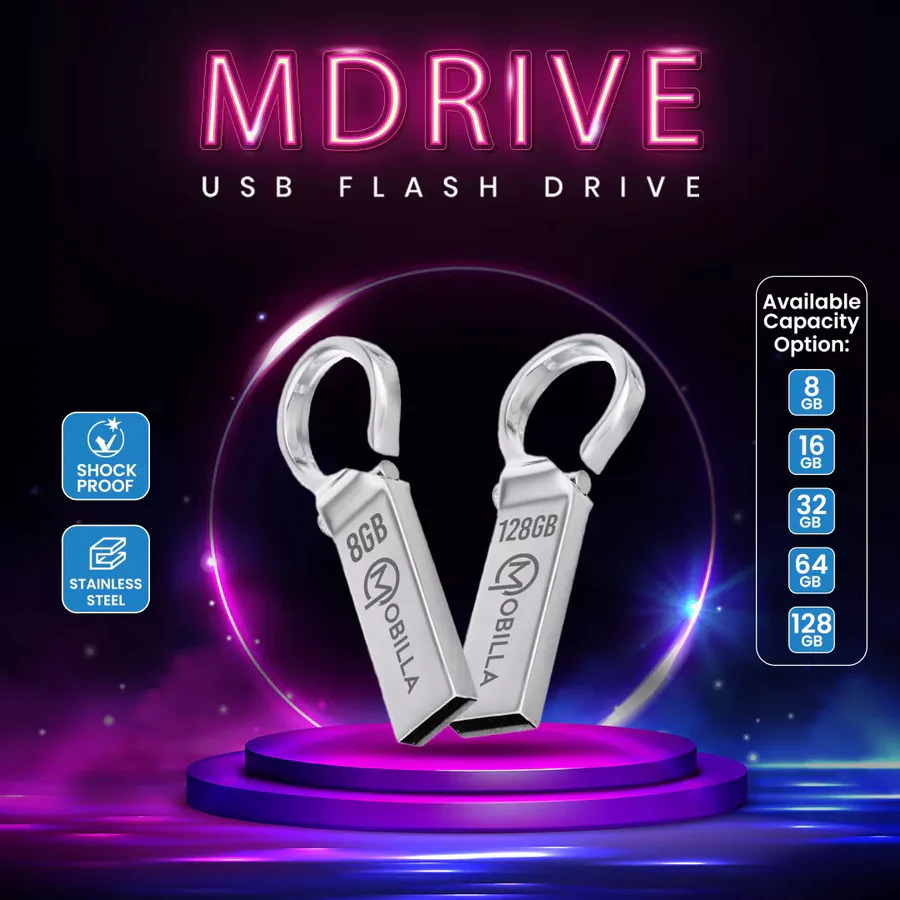
Safely and securely carry your data with you wherever you go using MDrive. It is a flash drive built using stainless steel and shockproof material.
Hardware interface: USB 2.0.
Connectivity type: Plug and Play.
Read speed: 14mbps.
Built material: Durable material.
Effortless Data Management
With the MDRIVE 8GB Pen Drive, transferring or backing up your files becomes straightforward and time-saving. Its plug-and-play functionality means no software installation is required-simply insert the device into any USB Type-A compatible computer and start using it. Ideal for storing documents, photos, or videos securely, this pen drive is engineered to make your digital life more organized and efficient.
Built for Daily Convenience
Combining lightweight design with shock-proof reliability, the MDRIVE 8GB Pen Drive ensures your important data remains safe and accessible. Its robust construction is matched by stylish compactness, making it easy to carry in your pocket or bag. While it does not feature water resistance, its solid build offers substantial everyday protection in typical environments.
FAQ's of MDRIVE 8GB:
Q: How do I use the MDRIVE 8GB Pen Drive on my computer?
A: Simply plug the MDRIVE 8GB into any USB Type-A port on your Windows, Mac, or Linux computer. The device will be recognized automatically with no need for additional software, enabling you to transfer, backup, or access files right away.Q: What devices are compatible with the MDRIVE 8GB?
A: The pen drive is compatible with computers running Windows, Mac, or Linux operating systems that feature a USB Type-A port. It is not directly compatible with mobile devices unless they have OTG (On-The-Go) support and the appropriate adapter.Q: When should I use a USB pen drive like the MDRIVE 8GB?
A: Use the MDRIVE 8GB whenever you need to store, transport, or share files securely between different computers, or when you want to make quick file backups or transfers without relying on internet connectivity.Q: Where can I store the MDRIVE 8GB to preserve data integrity?
A: Store the pen drive in a dry, cool place, avoiding exposure to water or extreme temperatures. Its storage temperature range is -20C to 85C, while operating temperature lies between 0C and 60C for optimal performance and longevity.Q: What process should I follow to safely remove the MDRIVE 8GB from my computer?
A: To prevent data corruption, use the 'Safely Remove Hardware' or 'Eject' option on your computer before physically disconnecting the drive from the USB port.Q: What are the benefits of using the MDRIVE 8GB Pen Drive?
A: This device offers reliable data storage with quick read/write speeds, easy portability due to its lightweight compact design, and dependable shock-proof performance, making it suitable for everyday usage.Tell us about your requirement

Price:
Quantity
Select Unit
- 50
- 100
- 200
- 250
- 500
- 1000+
Additional detail
Mobile number
Email

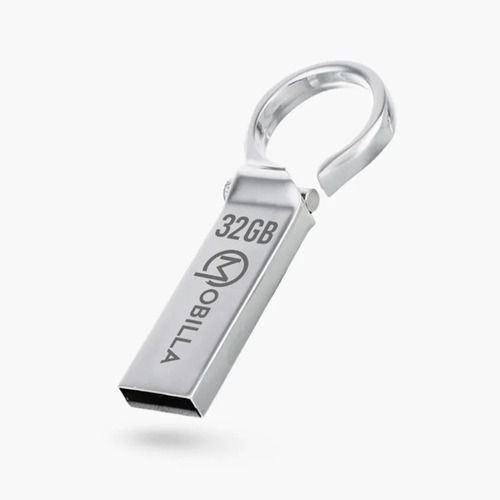
Other Products in 'Pen Drive' category

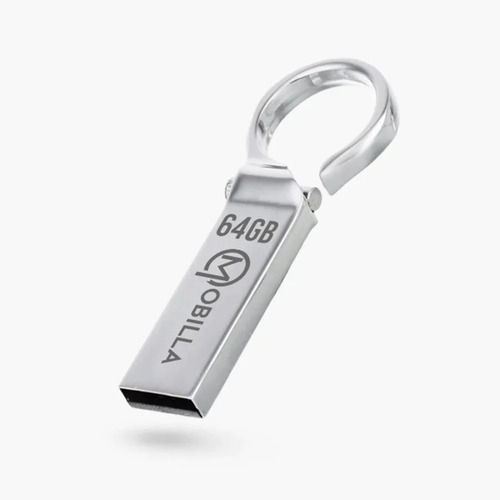
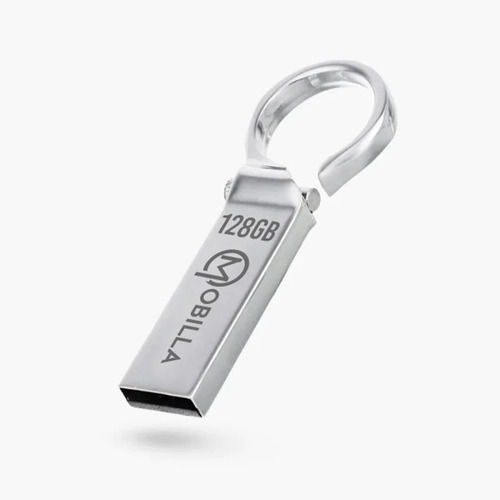

Contact Details
MOBITECH INDUSTRIES LLP.
GST : 27ABFFM4237R1ZN
GST : 27ABFFM4237R1ZN

- 8, Ratan Bldg, 4th Floor, Near Gokul Shopping Centre, S.V.Road, Borivali (W), Mumbai - 400092, Maharashtra, India

- Phone : 08045815078

- Mr Jignesh M Shah
- Mobile : 08045815078
-
 Send Inquiry
 Send Inquiry
|


 |
MOBITECH INDUSTRIES LLP.
All Rights Reserved.(Terms of Use) Developed and Managed by Infocom Network Private Limited. |
