Product Description
Stay connected, stay active, and stay in style with the MSmart XS2 Smartwatch. Designed with a vibrant 2.01 HD display, this smartwatch brings clarity and elegance to your wrist. With Bluetooth Calling, AI Voice Assistance, and a unique Double Pinch Gesture for call answering, communication has never been easier or smarter.From Quick Dial Pad, Call History, and Sync & Save Contacts to Quick Pairing and Rotating Crown navigation, the XS2 ensures smooth connectivity and convenience at every step. Built with Hindi & English language support, password protection, and Smart DND, it keeps your data and focus secure.Health and fitness are always in check with calorie calculation, heart rate monitoring, menstrual cycle reminders, and multiple sports modes. Stay entertained with inbuilt games, control your music on the go, and enjoy utility features like weather updates, sedentary alerts, Find My Phone, and a handy bedside lamp.
Compatible with both Android and iOS, and equipped with multiple watch faces to match your mood and style, the MSmart XS2 is the ultimate blend of technology, lifestyle, and fitness.
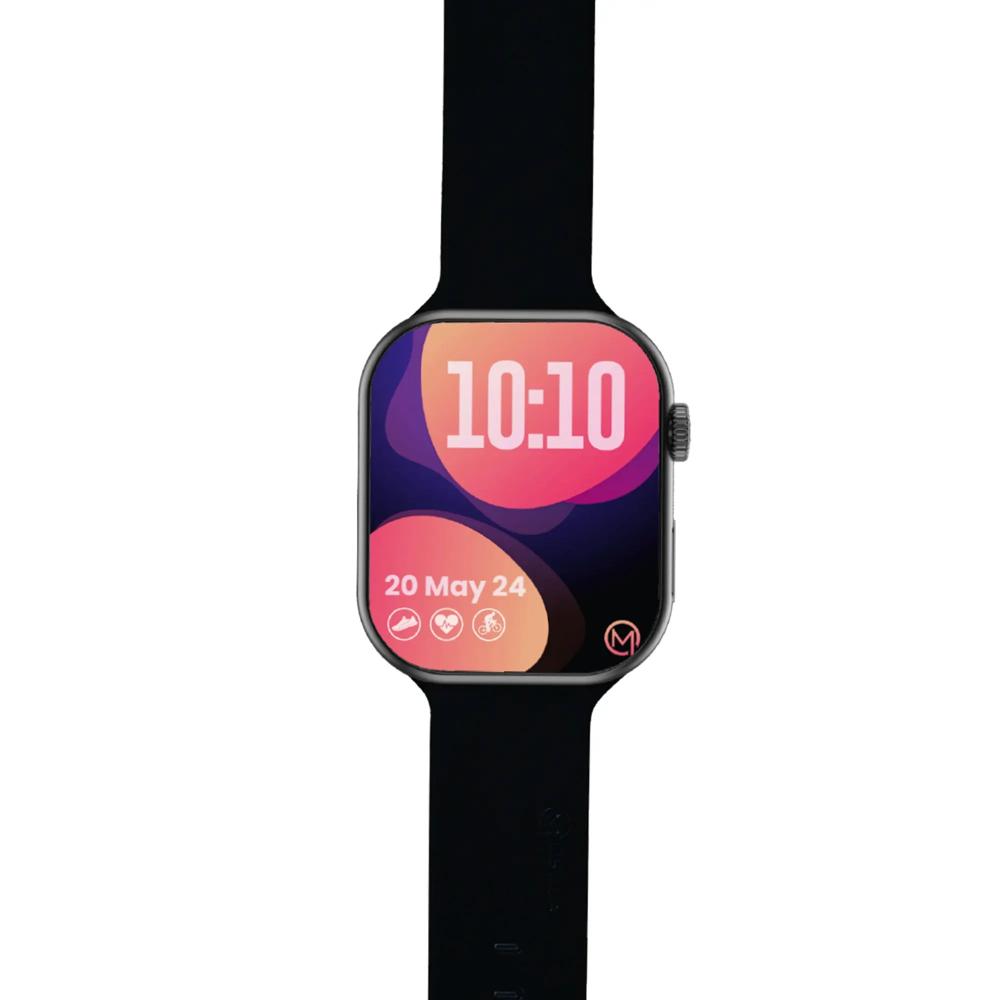
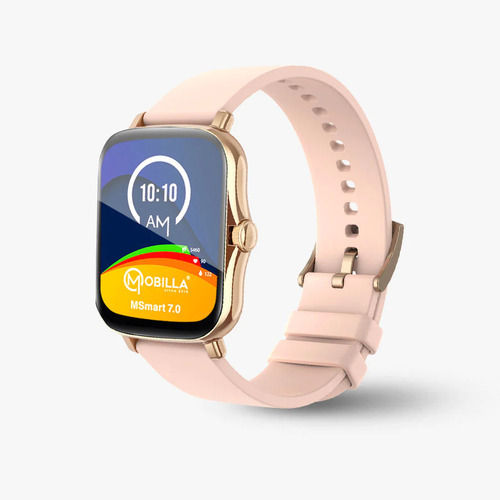
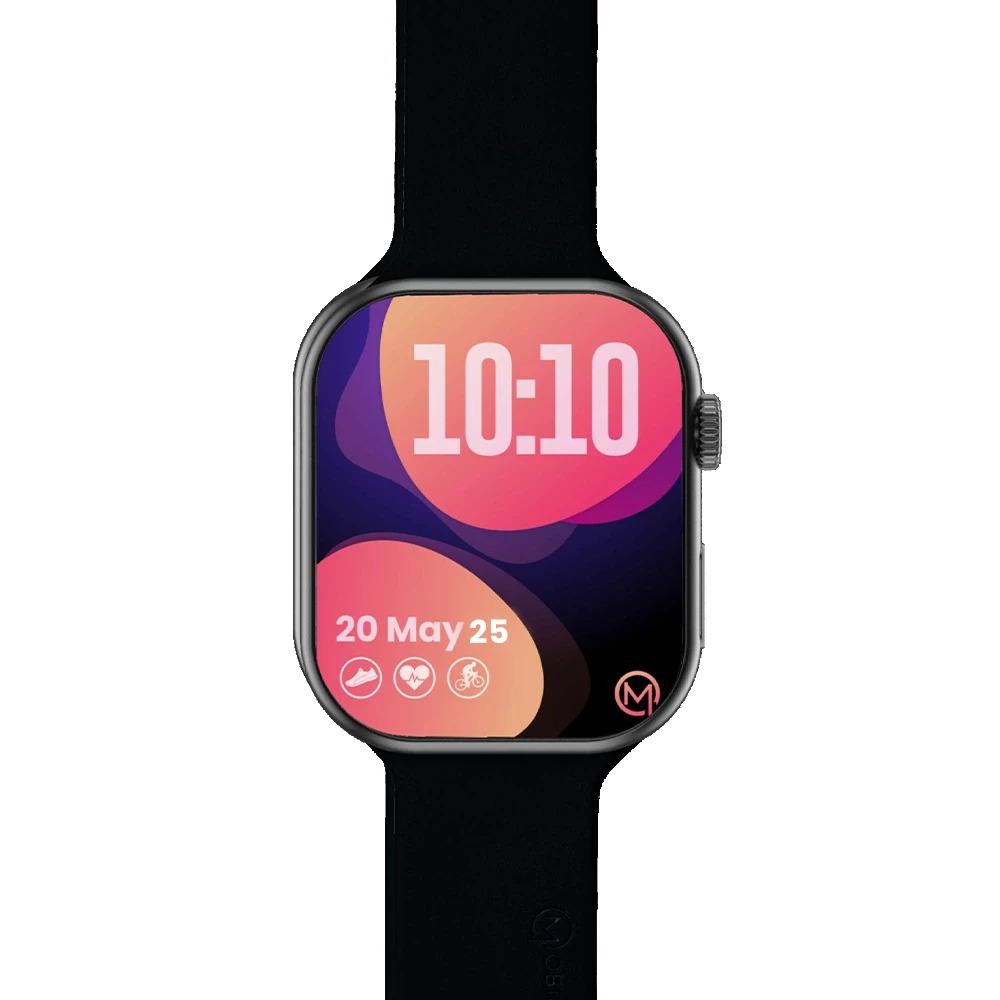
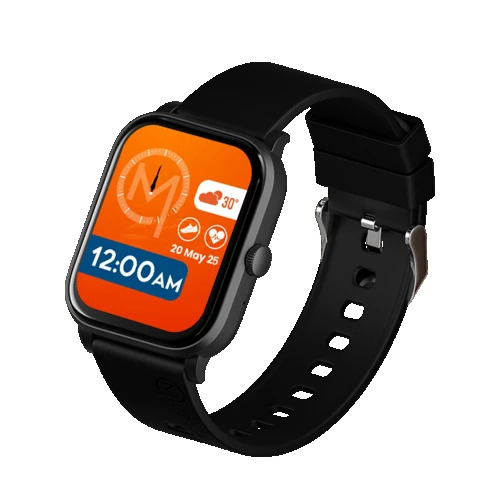
Customizable Display and Sleek DesignEnjoy a vibrant 1.8-inch IPS LCD touchscreen with a 240 x 280 resolution, providing a bright and clear view in various lighting. Switch between multiple digital and analog watch faces to suit your mood or activity. The modern rectangular design, lightweight alloy frame, and detachable silicone strap ensure comfort and style for everyday wear.
Advanced Health and Fitness TrackingTrack your fitness with dedicated sports modes, an optical heart rate sensor, SpO2 readings, and built-in pedometer. The sleep monitor offers insights to help you improve rest quality, while the sedentary reminder keeps you moving throughout the day. All data syncs to a dedicated app for comprehensive wellness management.
Smart Features for Everyday ConvenienceStay in the loop with integrated support for call, SMS, and social media alerts. Take control of your music, access weather updates, and find your phone right from your wrist. The MSMART XS2 also supports multiple languages, auto-brightness adjustments, and over-the-air (OTA) software updates for an always up-to-date experience.
FAQ's of MSMART XS2 Smart Watch:
Q: How do I change the watch face on the MSMART XS2 Smart Watch?
A: To change the watch face, press and hold your current display until face options appear, then swipe and select your preferred digital or analog face. You can also use the companion mobile app to access additional faces and customize them.
Q: What sports modes are available on the MSMART XS2, and how do I use them?
A: The watch includes multiple sports modes such as running, cycling, and walking. Simply tap the Sports section on the touchscreen, choose your desired mode, and press start. It will track your activity metrics and sync them with the app for detailed analysis.
Q: When should I use the sleep monitor and how does it help?
A: Wear the MSMART XS2 overnight to automatically track your sleep stages and duration. The sleep monitor provides insights via the app, helping identify patterns and improve sleep quality over time.
Q: Where can I check notifications received on the MSMART XS2?
A: Notifications for calls, SMS, and social media apps appear in the watch's Notification Center. Make sure your watch is paired with your phone via Bluetooth and permissions are enabled in the mobile app.
Q: What is the benefit of the Find My Phone feature on this smartwatch?
A: The Find My Phone feature helps you quickly locate your smartphone by triggering a sound alert from your mobile device via the MSMART XS2, provided the watch is connected via Bluetooth.
Q: How do I charge the MSMART XS2 Smart Watch and how long does it take?
A: Attach the provided magnetic USB charger to the charging port on the back of the watch, connect it to a power source, and wait about 2 hours for a full charge. The battery can last up to 7 days on typical use.
Q: Is the MSMART XS2 watch compatible with my phone?
A: The MSMART XS2 is compatible with Android devices running version 5.0 or higher. To maximize functionality, download the dedicated mobile app and ensure Bluetooth version 5.0 or above is supported by your phone.





 Send Inquiry


 Send Inquiry
 Send SMS


