


 Send Inquiry
 Send SMS
 Call Me Free
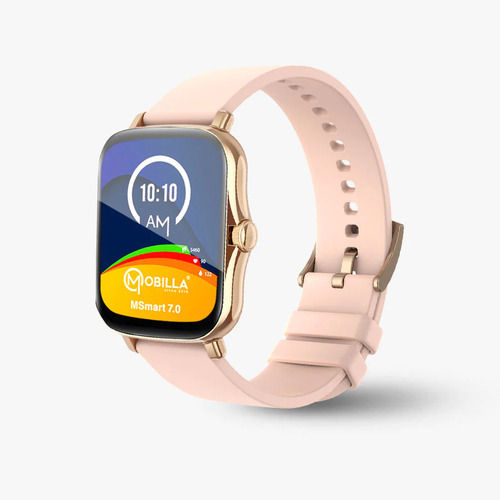
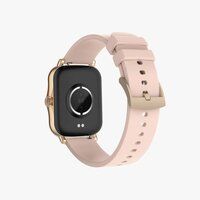
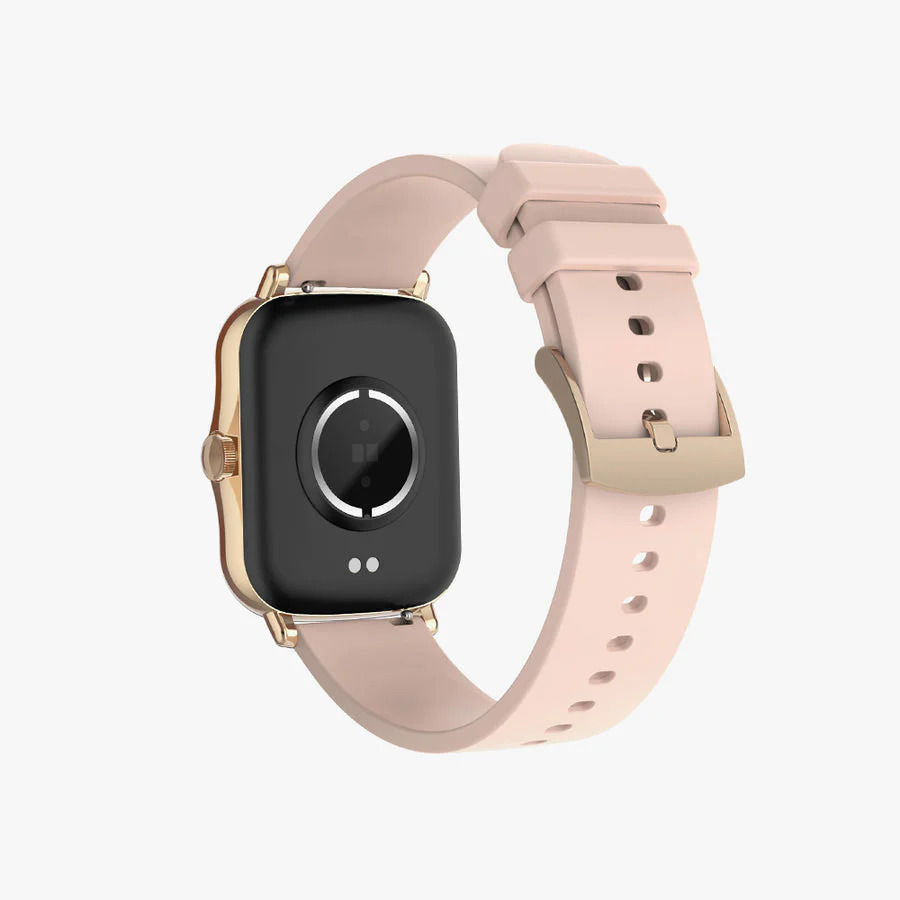
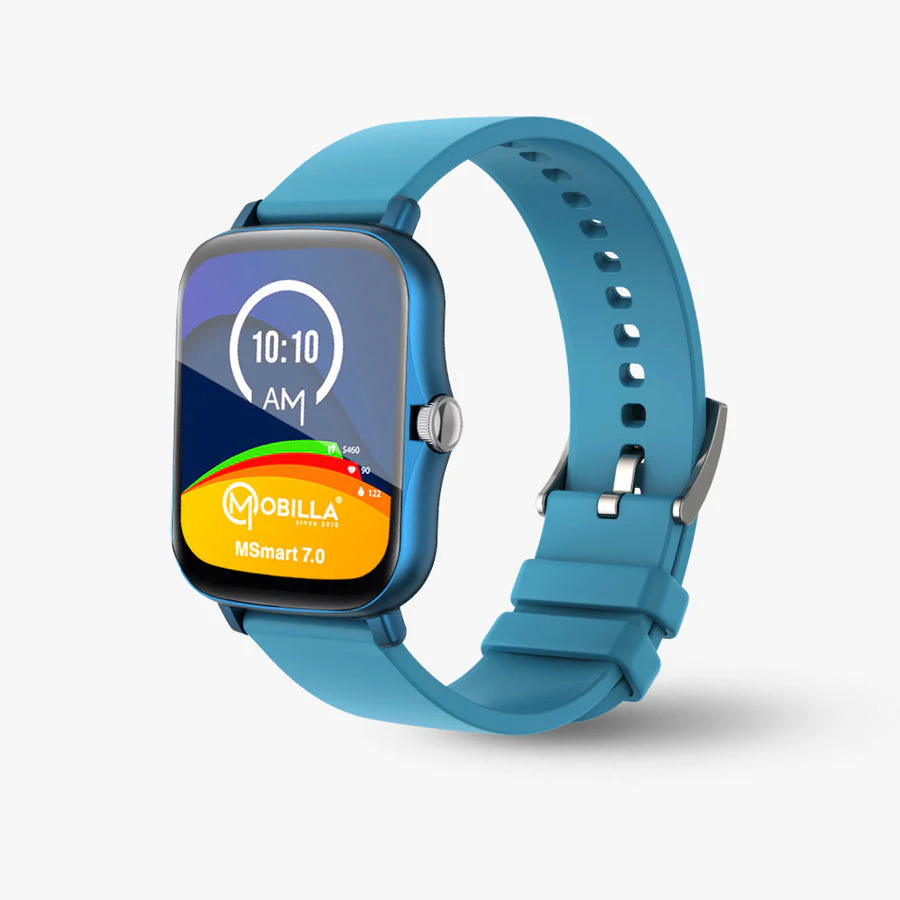
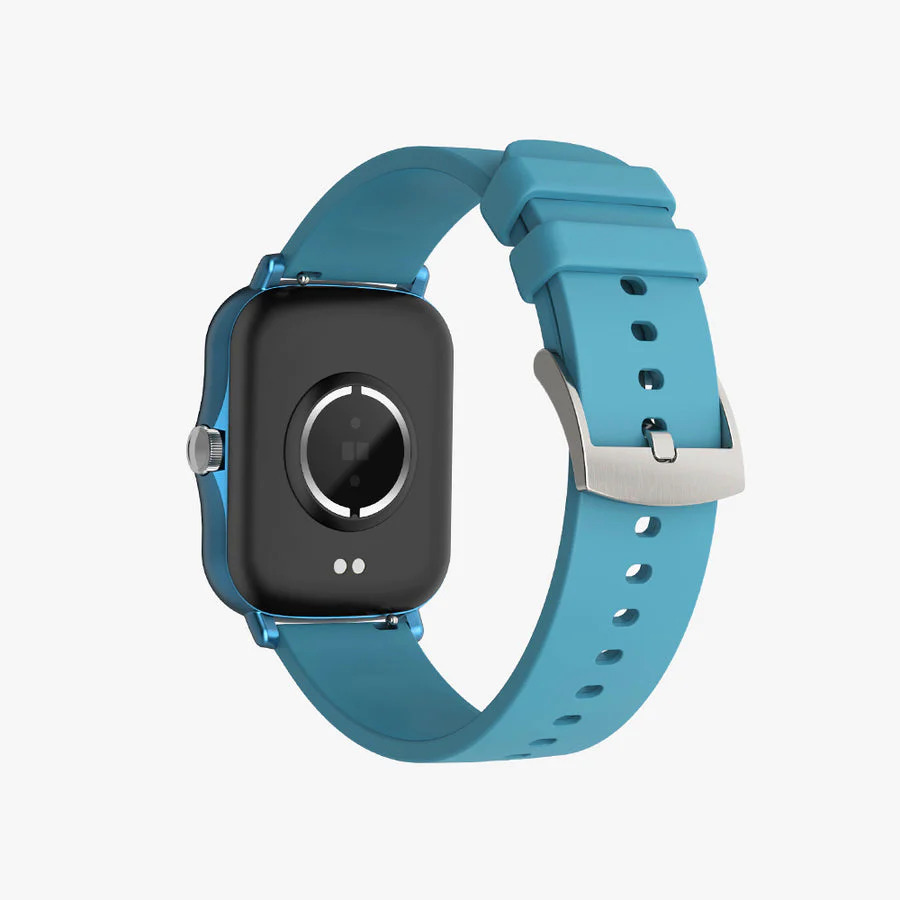
MSMART 7.0
5999 INR/Number
Product Details:
- Camera Pixels 2 MP (rear), 0.3 MP (front)
- Voltage 5V DC
- Memory Size 8 GB
- Operating System Android 7.0
- Accessories Type Standard
- Size 188 x 108 x 10 mm
- Model MSMART 7.0
- Click to View more
X
MSMART 7.0 Price And Quantity
- 5999 INR/Number
- 1 Number
MSMART 7.0 Product Specifications
- 280 g
- 3 USB, 1 HDMI, 1 Audio Jack, 1 SIM Card Slot
- Smart connectivity, multimedia, internet browsing, phone calls
- 5-6 hours
- LCD
- 0.3 MP front camera
- Tablet
- 3000 mAh Li-ion
- Capacitive Touchscreen
- 2.5 Hours
- Sleek and portable
- High-quality plastic
- Bluetooth, Wi-Fi, USB
- 2 MP rear camera
- 1024 x 600 pixels
- 3G, Wi-Fi
- USB Charger
- Android 7.0
- 7.0 Nougat
- 16.7 Million Colors
- 2 MP (rear), 0.3 MP (front)
- Black
- 5V DC
- 8 GB
- 8 GB
- Expandable up to 32 GB
- MSMART 7.0
- Charger, USB Cable, User Manual
- Quad Core 1.2 GHz
- Micro USB
- 7 inches
- Wi-Fi, Bluetooth, Touchscreen, Calling, Multimedia, FM Radio
- Standard
- Android
- 188 x 108 x 10 mm
- 1 GB
- v4.2
- Within safe limits
- Dual loudspeakers
- MicroSD card supported
- Built-in GPS
- Single SIM
- Up to 4 hours
- 3.5mm
- Multi-language
- Up to 120 hours
- G-sensor
MSMART 7.0 Trade Information
- 500 Number Per Month
- 7 Days
Product Description
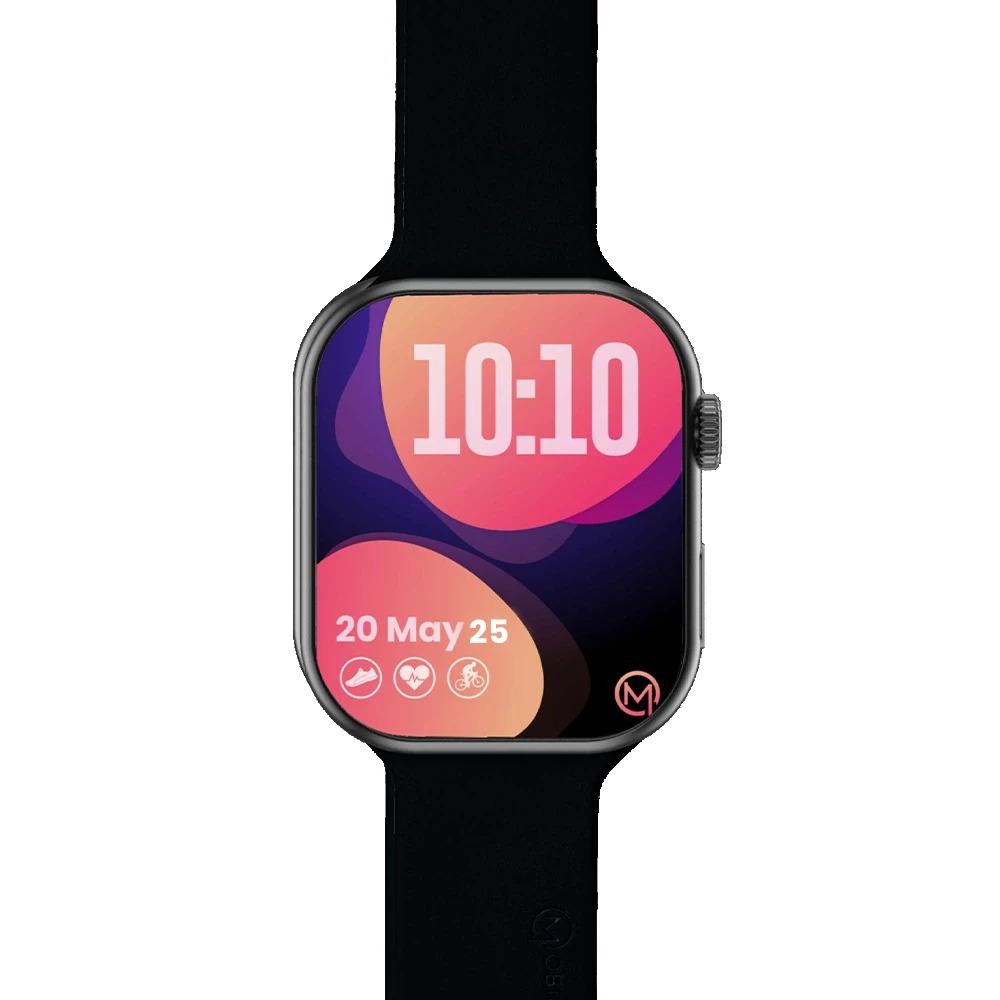
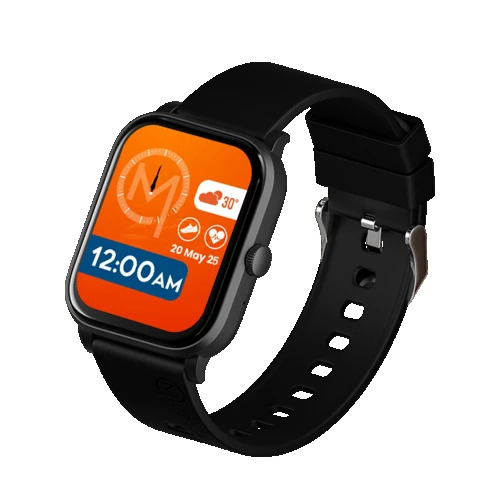
Your personal fitness trainer! A family cares for your health so do we. Thus, we bring to you a 1.69-inch display with an inbuilt pedometer for the run, messenger for the day and sleep monitor for the night, all together in one Msmart: more than a watch, a smartwatch. Your personal fitness tracker!
From monitoring sleep patterns to sleep breath quality, from calories burnt to total steps count; this exquisite looking MSmart Watch built specifically for sports enthusiast and fitness freaks.
Seamless Smart Connectivity
MSMART 7.0 offers a blend of wireless and cellular connectivity options: Wi-Fi, Bluetooth v4.2, single-SIM 3G calling, and built-in GPS. This ensures you stay connected, navigate easily, and manage your digital communications anytime, anywhere. Whether at home, work, or on the move, reliable connectivity is just a tap away.
Entertainment and Multimedia Hub
Enjoy vibrant video playback, rich audio with dual loudspeakers, FM radio, and smooth internet browsing. The MSMART 7.0's high-resolution 7-inch touchscreen, coupled with a 2 MP rear and 0.3 MP front camera, makes it perfect for streaming, gaming, video calls, and social media. Store your favorite content with expandable MicroSD memory.
Designed for Everyday Convenience
Built with a sleek, lightweight body (280 g) and high-quality plastic, the MSMART 7.0 prioritizes portability. With a robust 3000 mAh battery offering up to 6 hours of use and 120 hours standby, and multiple USB ports for easy device integration, this tablet provides true versatility for daily use at home, school, or on the go.
FAQ's of MSMART 7.0:
Q: How do I insert a SIM card and MicroSD card into my MSMART 7.0 tablet?
A: To insert a SIM card or MicroSD card, first power off the MSMART 7.0. Locate the designated slots on the side or back of the device. Insert the SIM card in the SIM slot for 3G connectivity and the MicroSD card in the memory slot for storage expansion. Carefully reattach the cover and power on the tablet.Q: What benefits does the MSMART 7.0 offer for multimedia usage?
A: The MSMART 7.0 provides a vivid 7-inch capacitive touchscreen supporting 16.7 million colors, along with dual loudspeakers and FM radio. These features, combined with expandable memory and strong connectivity, allow for smooth streaming, music listening, gaming, and multimedia storage, enabling a versatile entertainment experience.Q: Where can I use the MSMART 7.0's GPS and connectivity features?
A: You can use the built-in GPS for navigation and maps anywhere with a clear view of the sky. Wi-Fi and 3G single-SIM support ensure internet connectivity from home, at work, or on the go, so you can browse, stream, and communicate wherever coverage is available.Q: What is the process for charging the device and how long does it take?
A: Charge the MSMART 7.0 using the included USB charger and cable. Connect the charger to a power outlet and plug the Micro USB end into the tablet's charging port. It takes approximately 2.5 hours to fully charge the 3000 mAh battery.Q: How can I expand the storage capacity of my MSMART 7.0 tablet?
A: To expand storage, simply insert a MicroSD card (up to 32GB supported) into the tablet's dedicated memory slot. This allows you to store additional multimedia files, apps, and documents beyond the internal 8GB of storage.Q: What languages does the MSMART 7.0 support?
A: The MSMART 7.0 is equipped with multi-language support, allowing users to select their preferred language from a wide range of options in the device settings. This makes it convenient for users from diverse linguistic backgrounds.Q: What accessories are included with the MSMART 7.0 purchase?
A: When you purchase the MSMART 7.0, the package includes a standard charger, USB cable, and a user manual, ensuring you have everything needed to get started right away.Tell us about your requirement

Price:
Quantity
Select Unit
- 50
- 100
- 200
- 250
- 500
- 1000+
Additional detail
Mobile number
Email

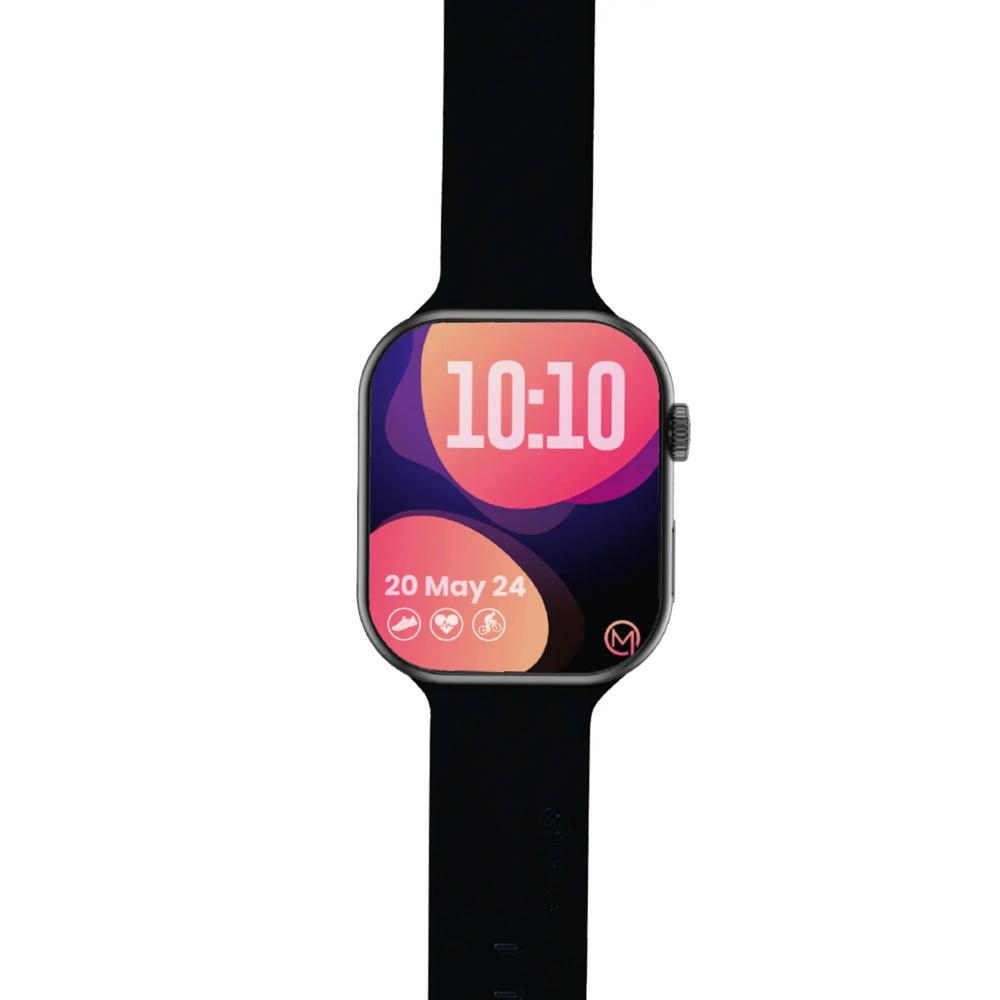
Other Products in 'Smart Watch' category


Contact Details
MOBITECH INDUSTRIES LLP.
GST : 27ABFFM4237R1ZN
GST : 27ABFFM4237R1ZN

- 8, Ratan Bldg, 4th Floor, Near Gokul Shopping Centre, S.V.Road, Borivali (W), Mumbai - 400092, Maharashtra, India

- Phone : 08045815078

- Mr Jignesh M Shah
- Mobile : 08045815078
-
 Send Inquiry
 Send Inquiry
|


 |
MOBITECH INDUSTRIES LLP.
All Rights Reserved.(Terms of Use) Developed and Managed by Infocom Network Private Limited. |
