Product Description
Transfer your data with ease using the 2-in-1 USB Card Reader with OTG Support. Designed for convenience and speed, this compact accessory offers high-speed data transfer with transmission speeds of up to 480 Mbps. Its lightweight and portable design makes it the perfect on-the-go companion for quick and reliable file sharing between your devices.
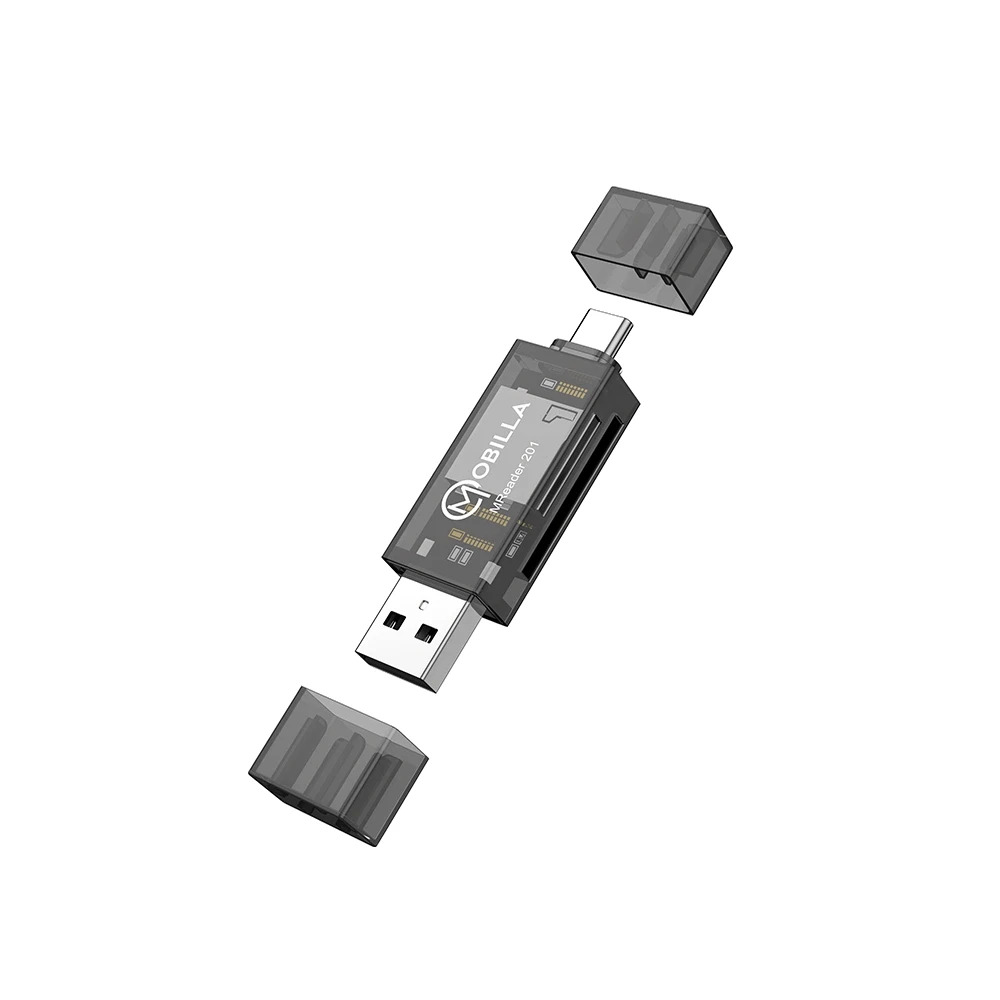
Seamless Dual-USB ConnectivityFeaturing both USB-A and USB-C interfaces, the MREADER 201 enables straightforward connections to a wide array of devices. Whether you're using a legacy laptop, a modern ultrabook, or an Android smartphone with OTG support, this reader bridges the gap, ensuring reliable data exchanges without compatibility concerns.
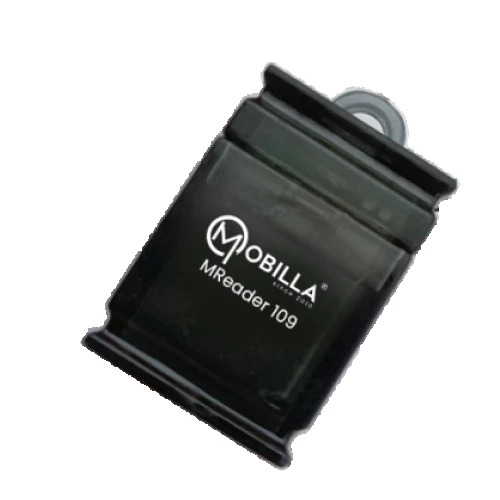
Portable and Durable DesignWeighing just 10g and featuring dimensions of approximately 70 x 19 x 10 mm, the MREADER 201 is engineered for portability. Its transparent black polycarbonate exterior delivers a glossy finish, while protective caps shield both connectors, safeguarding the device during daily commutes or storage.
FAQ's of MREADER 201:
Q: How do I use the MREADER 201 with my devices?
A: Simply insert your SD or microSD card into the appropriate slot of the MREADER 201, then plug the reader into your device via either USB-A or USB-C. No driver installation is needed-just plug and play on compatible operating systems such as Windows, Mac OS, Linux, or Android.
Q: What types of memory cards are compatible with this reader?
A: The MREADER 201 supports microSD, SD, SDHC, and SDXC cards, providing wide compatibility for most standard memory cards used in cameras, smartphones, and other electronic devices.
Q: When should I use the USB-C connector instead of USB-A?
A: Use the USB-C connector when connecting to newer devices like smartphones, tablets, or laptops that feature a USB Type-C port. For traditional laptops or PCs with a standard USB port, use the USB-A side.
Q: Where can the MREADER 201 be used?
A: You can use the MREADER 201 wherever you need to read or write data to microSD or SD cards-at home, in the office, or on the go. It is especially practical for transferring files between your computer and mobile devices that support OTG (On-The-Go) functionality.
Q: What is the process for transferring files using this card reader?
A: After inserting your memory card into the reader and connecting it to your device, the card will be recognized as a storage drive. You can then drag and drop files between your device and the card-no additional software is required.
Q: What are the main benefits of using the MREADER 201?
A: The benefits include fast data transfer rates (up to 480 Mbps via USB 2.0), broad card compatibility, seamless cross-platform operation, dual USB connectivity for flexibility, plug-and-play convenience, and a compact, protective design ideal for travel or daily use.





 Send Inquiry


 Send Inquiry
 Send SMS


