Product Description
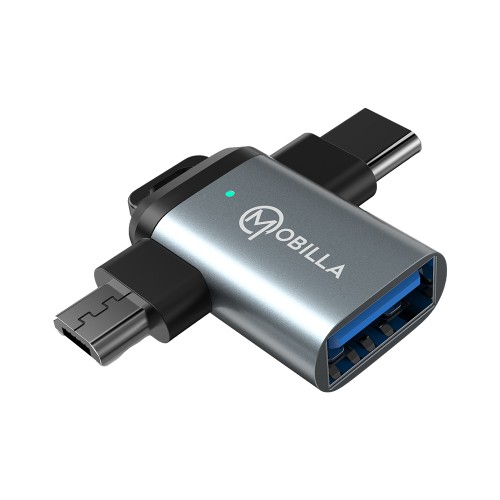
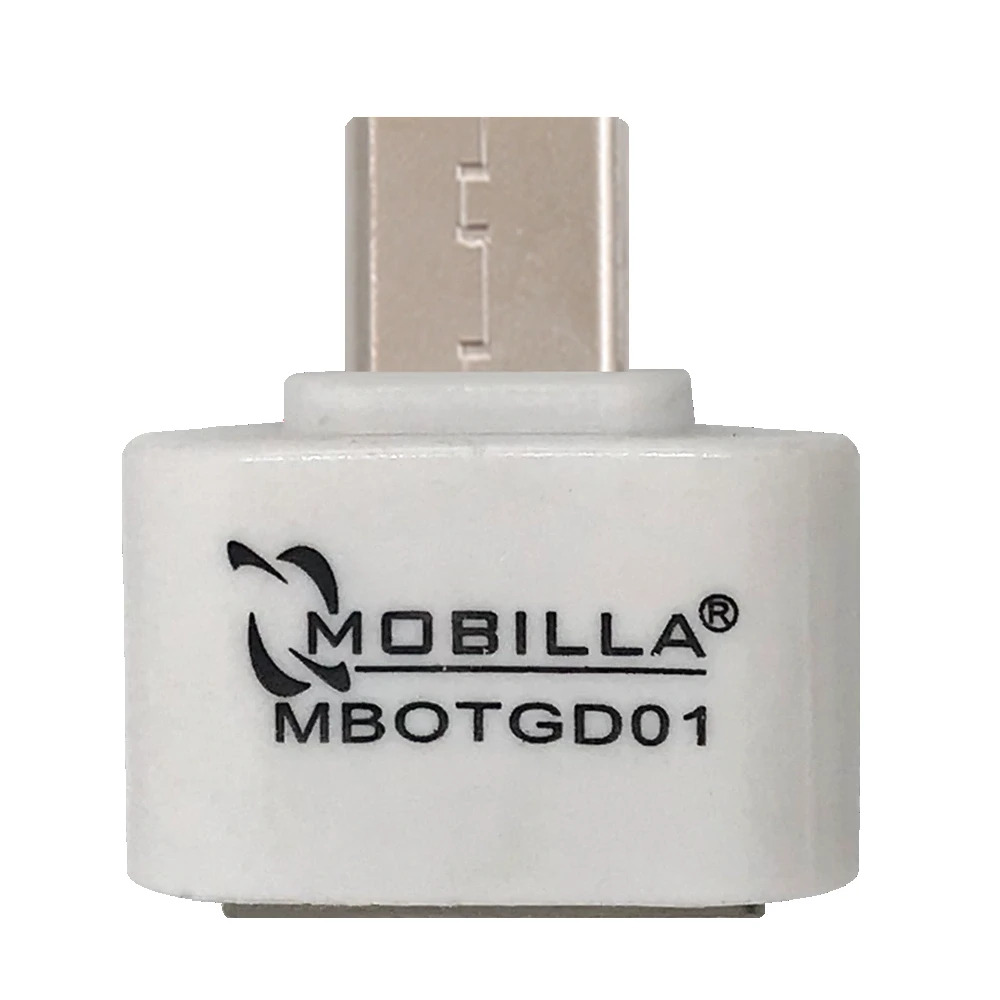
Revolutionize your data management with the MOTG 302 2-in-1 OTG Adapter. Seamlessly transfer files, connect external drives, and use peripherals like keyboards or mice with your Micro USB or Type-C devices. With blazing-fast data transfer rates of up to 480 Mbps, this adapter ensures swift and efficient performance. Available in sleek Black, understated Grey, and classic Silver, the MOTG 302 combines versatility and functionality in one compact accessory.
Effortless Connectivity for All DevicesThe MOTG 302 OTG Dongle bridges the gap between a wide range of devices, allowing you to connect USB drives, keyboards, mice, and card readers to your Android smartphone, tablet, or PC. With support for both Type C and Micro USB ports, it eliminates the need for multiple adapters, streamlining your workflow wherever you go.
High-Speed Data Transfer in a Robust DesignEnjoy rapid data transfers of up to 5Gbps (USB 3.0) with the MOTG 302's sturdy aluminium alloy and ABS plastic build. Its ergonomic, compact body withstands over 10,000 plug/unplug cycles and is protected against short circuits and overcurrent, ensuring safe and long-term use for all your data and peripheral needs.
FAQ's of MOTG 302 OTG DONGLE:
Q: How do I connect USB devices to my Android smartphone using the MOTG 302 OTG Dongle?
A: Simply insert the dongle's Micro USB or Type C connector (depending on your phone's port) into your Android device, and plug your USB peripheral (e.g., drive, keyboard, or mouse) into the USB-A port. The plug-and-play design means no additional software is needed.
Q: What types of devices and peripherals are compatible with the MOTG 302 OTG Dongle?
A: This dongle supports Android smartphones, tablets, laptops, and PCs featuring USB-C or Micro USB ports, and works seamlessly with peripherals such as USB flash drives, keyboards, mice, and card readers.
Q: When can I safely remove connected devices from the dongle?
A: Thanks to its hot-swappable feature, you can unplug or swap connected devices at any time without shutting down your phone, tablet, or computer. For data integrity, always ensure file transfers are complete before unplugging.
Q: Where can I use the MOTG 302 OTG Dongle?
A: You can use this dongle anywhere-at home, in the office, or on the go-thanks to its compact, lightweight, and durable design. It's ideal for expanding connectivity in various environments.
Q: What is the installation and usage process of the MOTG 302 OTG Dongle?
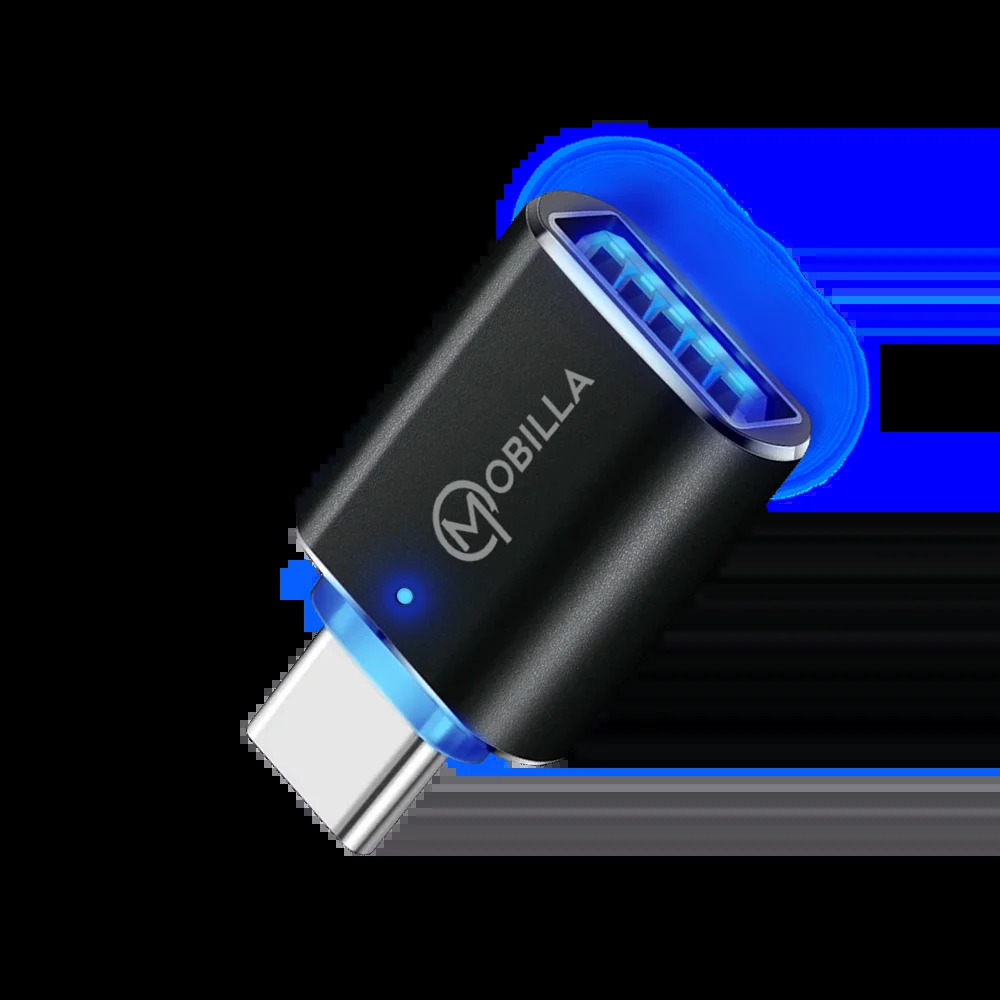
A: No installation or extra steps are required. Just plug the appropriate connector into your device and connect your USB accessory. An LED indicator confirms it's working, making operation straightforward and hassle-free.
Q: What are the main benefits of using the MOTG 302 OTG Dongle?
A: You benefit from high-speed data transfer (up to 5Gbps), broad compatibility (Windows, Mac OS, Android, Linux), an ergonomic reversible design, robust durability, eco-friendly materials (RoHS compliant), and built-in circuit protection for device safety.





 Send Inquiry


 Send Inquiry
 Send SMS


