Product Description
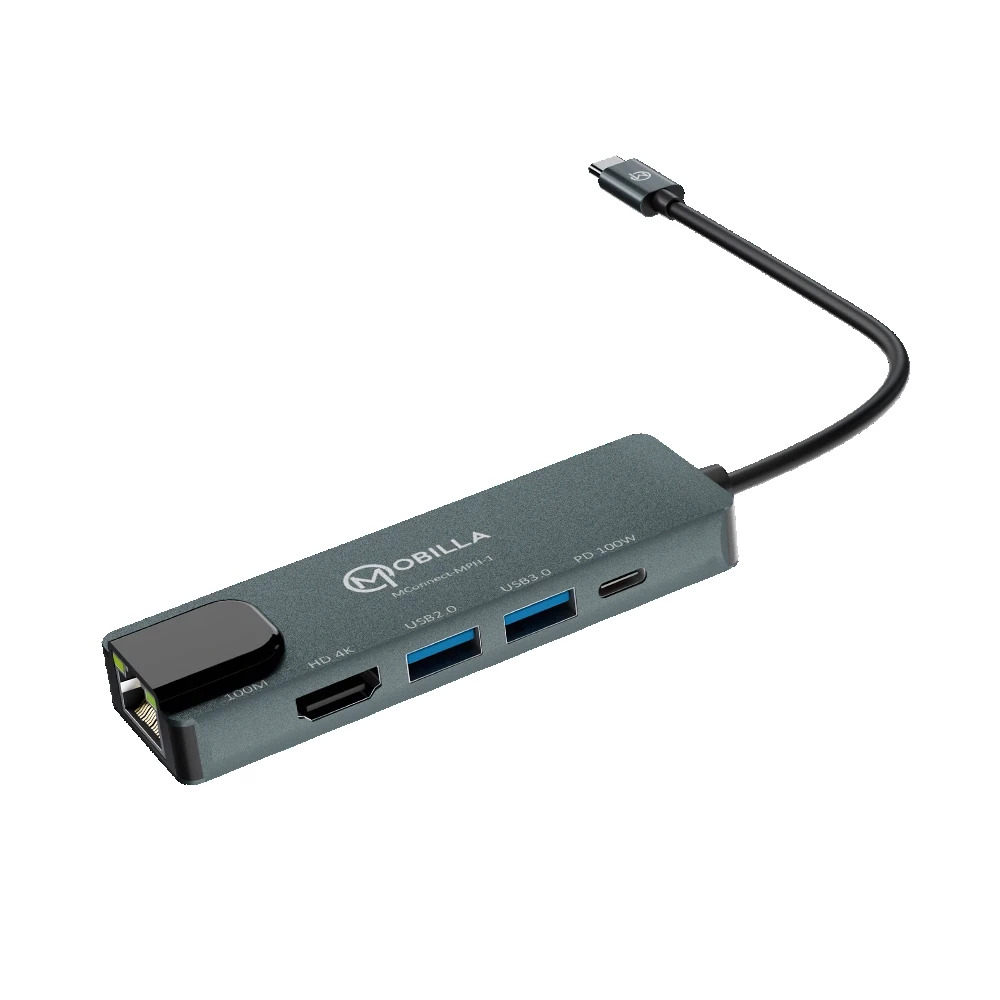
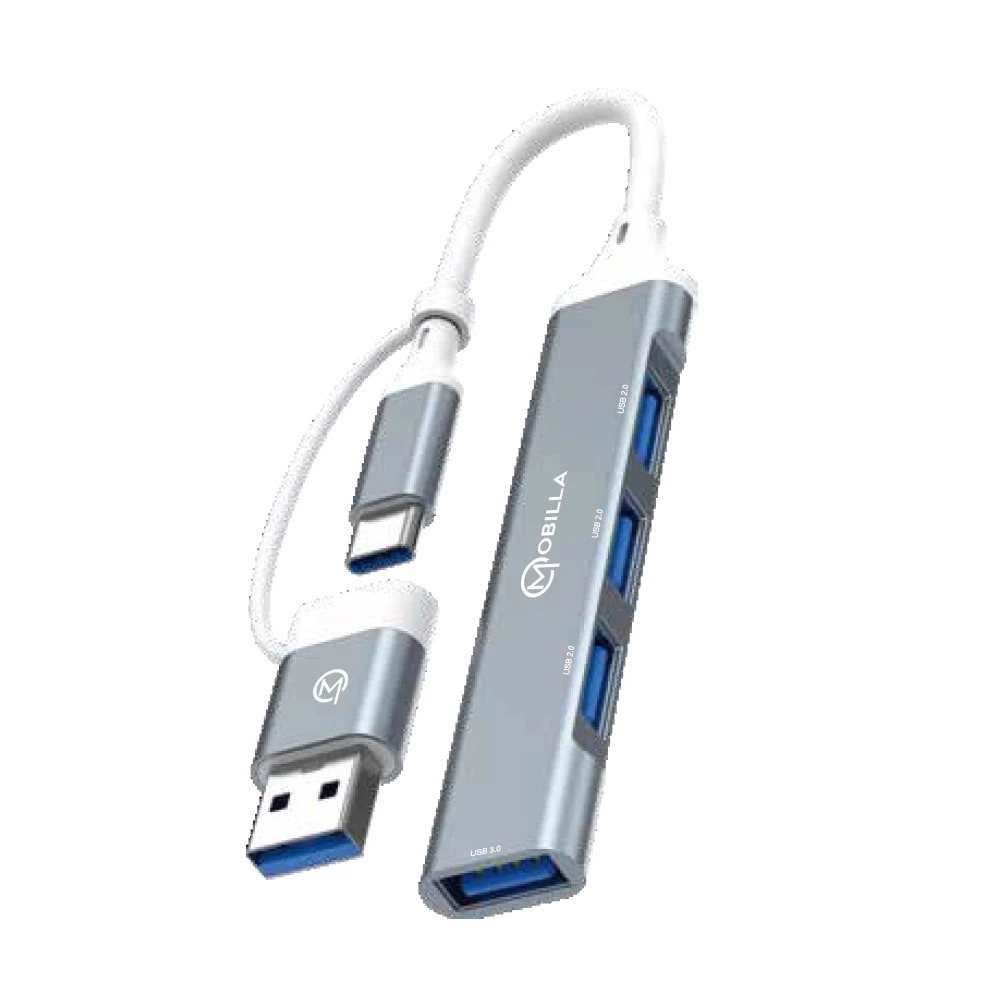
The MConnect MPH1 is a sleek 5-in-1 Type-C multiport hub designed for seamless connectivity and performance. It features a 100Mbps LAN port for reliable wired internet, a 4K @30Hz HDMI output for stunning visuals, a 100W USB-C PD port for fast charging, and both USB 3.0 and USB 2.0 ports for efficient data transfer and device connection. Encased in a durable aluminum alloy body, this plug & play hub offers wide compatibility and is perfect for enhancing productivity at work or on the go.
Seamless Connectivity for Modern DevicesMCONNECT-MPH1 allows you to conveniently connect displays, networks, and peripherals to your USB-C device through a single hub. Its compact form factor and lightweight design ensure portability without sacrificing performance, ideal for professionals and students who are always on the move.
Exceptional Performance and Safety FeaturesThis hub is built to deliver reliable high-speed data transfer, 4K HDMI output, and robust charging capabilities. With multi-safety circuits, overcurrent protection, and passive cooling, your devices stay protected during prolonged use. The plug-and-play feature requires no software installation, making it effortlessly user-friendly.
Premium Build and Versatile ApplicationCrafted from CNC-machined anodized aluminum, the MPH1 hub boasts a durable, space grey matte finish that complements modern devices. Whether used with laptops, desktops, or tablets, it offers long-lasting quality and over 10,000 plug/unplug cycles, ensuring extended service life for your investment.
FAQ's of MCONNECT-MPH1 USB HUB:
Q: How do I set up the MCONNECT-MPH1 USB Hub with my device?
A: Setup is straightforward. Simply connect the hub's USB-C male connector to your laptop, desktop, or tablet. No drivers or additional software are required, as the device supports plug-and-play installation.
Q: What types of devices and operating systems are compatible with this hub?
A: The MCONNECT-MPH1 is compatible with Windows, MacOS, Linux, and Android platforms. It can be used with any USB-C enabled laptop, desktop, or tablet that supports data, video, and power delivery.
Q: When should I use the Power Delivery Type-C port, and what benefit does it offer?
A: You should use the Power Delivery Type-C port when you want to charge your device while using the hub. It supports up to 100W pass-through charging, allowing you to power your laptop or tablet without sacrificing additional ports.
Q: Where can I use the MPH1 hub for optimal productivity?
A: The compact and portable design makes it perfect for both office and on-the-go use. Carry it with your laptop or tablet to connect to projectors, monitors, wired networks, or multiple peripherals anywhere you work.
Q: What is the process for adding an external monitor with the HDMI port?
A: Simply connect an HDMI cable from the hub's HDMI port to your external display. The HDMI output supports resolutions up to 4K at 30Hz, providing high-quality visuals for presentations or entertainment.
Q: How does overcurrent protection and multi-safety circuitry benefit me?
A: Overcurrent protection and multi-safety circuitry safeguard connected devices from power surges or electrical faults, reducing the risk of hardware damage and extending device longevity.
Q: Can I hot swap devices connected via the USB ports?
A: Yes, the hub supports hot swapping, allowing you to plug in or remove USB devices without powering down your computer, enhancing convenience and workflow efficiency.





 Send Inquiry


 Send Inquiry
 Send SMS
 Call Me Free


