Product Description
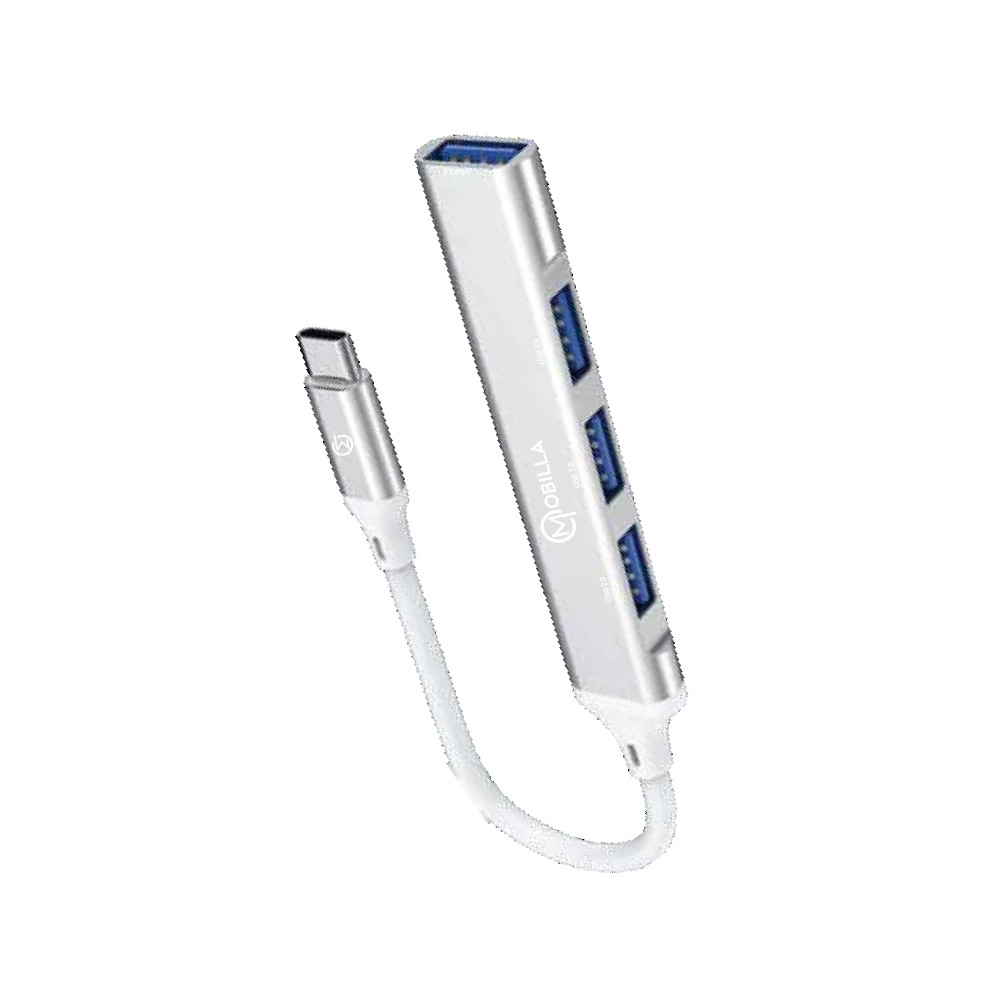
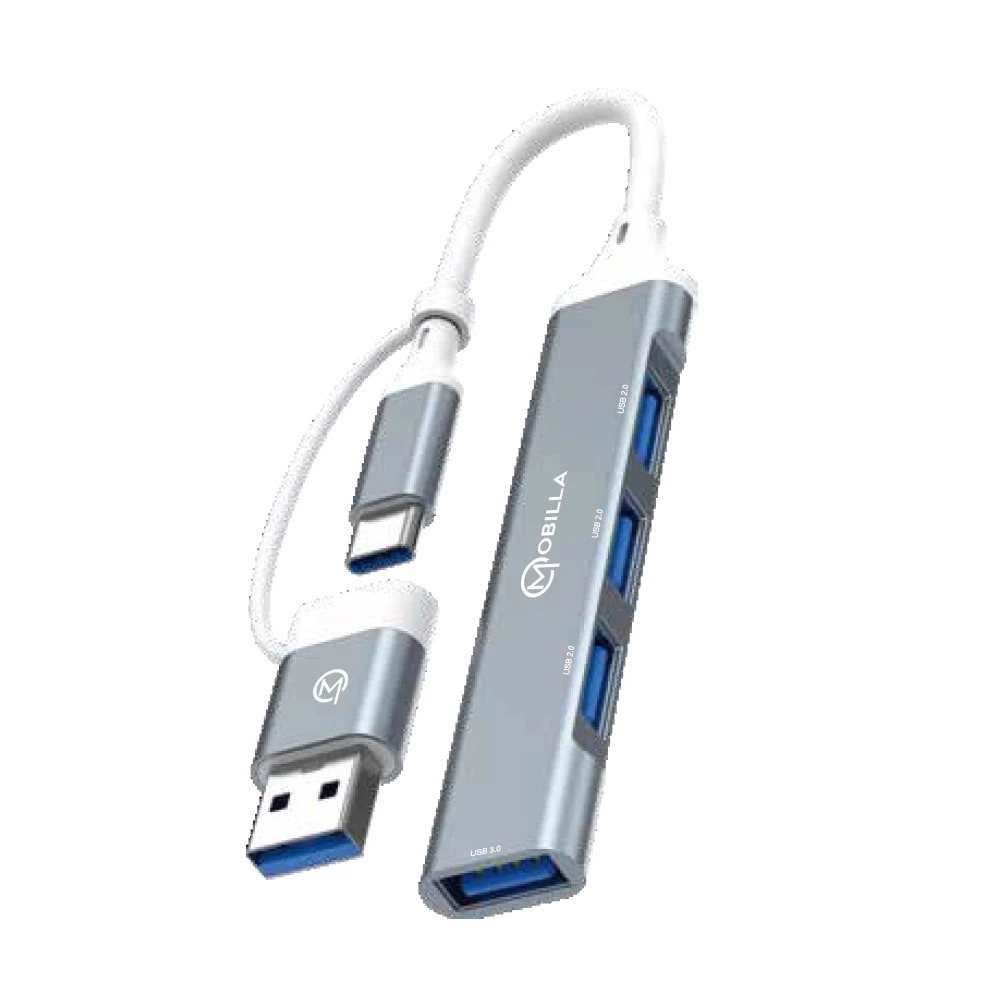
MConnect H2 is a compact 4-in-1 Type-C to USB hub built for seamless connectivity and convenience. Featuring one USB 3.0 port and three USB 2.0 ports, it allows you to connect multiple devices simultaneously for data transfer, charging, or peripheral expansion. With its plug & play functionality and sleek aluminium casing, MConnect H2 offers durability and performance in a stylish, portable designperfect for modern Type-C devices.
Effortless USB ExpansionUpgrade your workspace with the MCONNECT-H2 USB Hub, allowing you to connect and operate up to four USB devices simultaneously. Ideal for laptops, desktops, and tablets, it simplifies peripheral management, enabling efficient multitasking without constant plugging and unplugging.
High-Speed, Reliable TransferExperience rapid data transmission with USB 3.0 technology, boasting speeds up to 5 Gbps. The hub's backward compatibility with USB 2.0 and 1.1 ensures flexibility for both legacy and modern devices, making it a versatile addition to any setup.
Rugged Yet Minimalist DesignCrafted from anodized aluminum alloy and ABS, the hub features a slim, modern profile with a matte surface. Compact and lightweight, the MCONNECT-H2 offers durability and style, fitting seamlessly into office or travel environments while maintaining peak functionality.
FAQ's of MCONNECT-H2 USB HUB:
Q: How do I install and use the MOBILLA MCONNECT-H2 USB Hub?
A: Installation is straightforward-simply plug the MCONNECT-H2 into your device's Type-C port. The hub is plug-and-play, meaning no additional drivers or software are required on Windows, Mac OS, Linux, or Android systems.
Q: What devices are compatible with the MCONNECT-H2 USB Hub?
A: This USB hub is compatible with laptops, desktops, and tablets equipped with Type-C ports, running on Windows, Mac OS, Linux, or Android. It works with both newer devices and older peripherals due to its USB 2.0/1.1 backward compatibility.
Q: When should I use a USB hub like the MCONNECT-H2?
A: You should use this USB hub whenever you need to expand a limited number of USB ports on your device. It is ideal for connecting multiple peripherals, such as flash drives, keyboards, mice, and external hard drives, simultaneously.
Q: Where can the MCONNECT-H2 USB Hub be used?
A: The hub's compact and durable design allows it to be used almost anywhere-at the office, at home, or on the go. Its lightweight build makes it ideal for travel, fitting easily into bags or pockets.
Q: What are the benefits of overcurrent protection in this USB hub?
A: Overcurrent protection ensures that your connected devices are safeguarded against excessive current draw, which can prevent damage to both your peripherals and your computer. This feature enhances safety and longevity.
Q: How does the MCONNECT-H2 manage power to connected devices?
A: The hub is bus-powered, drawing all necessary operating power from the device's USB port, so no external adapter is needed. Both the input and output voltage are 5V, maintaining stable, consistent power delivery to connected devices.
Q: What is the advantage of the hub's plug-and-play design?
A: With plug-and-play functionality, there is no need for drivers or complex setup. This simplifies installation and allows users to start connecting and transferring data immediately, enhancing productivity and convenience.





 Send Inquiry


 Send Inquiry
 Send SMS
 Call Me Free


