Product Description
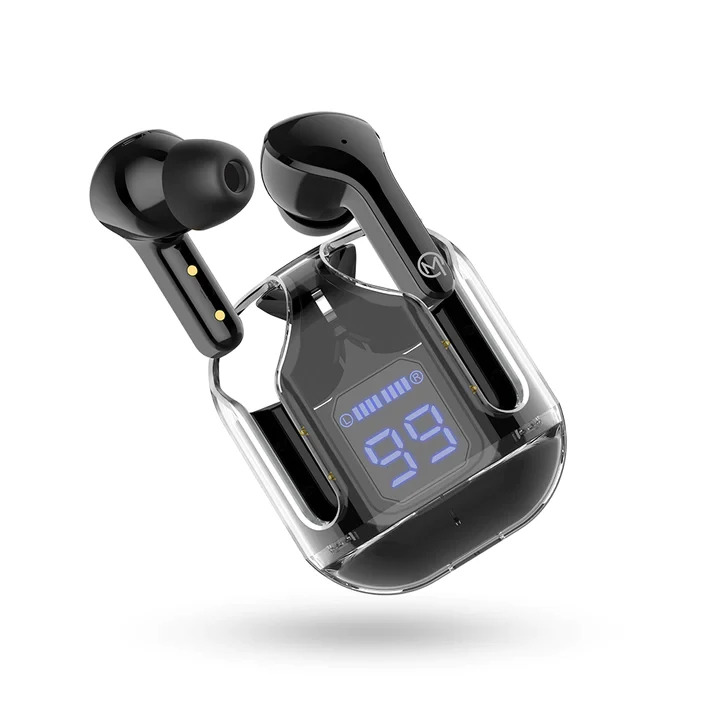
Experience crystal-clear audio with sleek and transparent case of MBuds 103 Bluetooth Earbuds. The Wireless TWS Earbuds comes with LED Battery Display to elevate your style and sound. Enjoy deep bass, crisp highs, and balanced sound with MBuds 103.
Exceptional Audio ClarityExperience stereo sound with dual-channel support and premium audio codecs (SBC/AAC), bringing your music and calls to life. ENC technology reduces background noise, ensuring high-clarity conversations and immersive listening in every environment.
Intuitive Touch ControlsEffortlessly manage your playlist, calls, and voice assistant (Siri/Google) with responsive touch-sensitive controls. These allow for playback, call handling, track selection, and instant access to your device's assistant, all without reaching for your phone.
Smart Power Display & EnduranceStay informed on charging status with the blue LED digital battery indicator built into the case. Get up to 5 hours of playback per charge, extended to 24 hours using the compact charging case, and benefit from quick 1.5-hour recharge times.
FAQ's of MBUDS 103PR:
Q: How do I pair the MBUDS 103PR True Wireless Earbuds with my device?
A: Activate Bluetooth on your smartphone, tablet, or laptop, open the MBUDS 103PR charging case, and select 'MBUDS 103PR' from the available devices. The earbuds enter pairing mode automatically with auto-pairing for future connections.
Q: What are the benefits of the built-in microphone and ENC on the MBUDS 103PR?
A: The integrated microphone enables clear voice calls, while Environmental Noise Cancellation (ENC) reduces background noise during calls, enhancing your communication experience in noisy settings.
Q: Where can I check the battery status of the earbuds and the case?
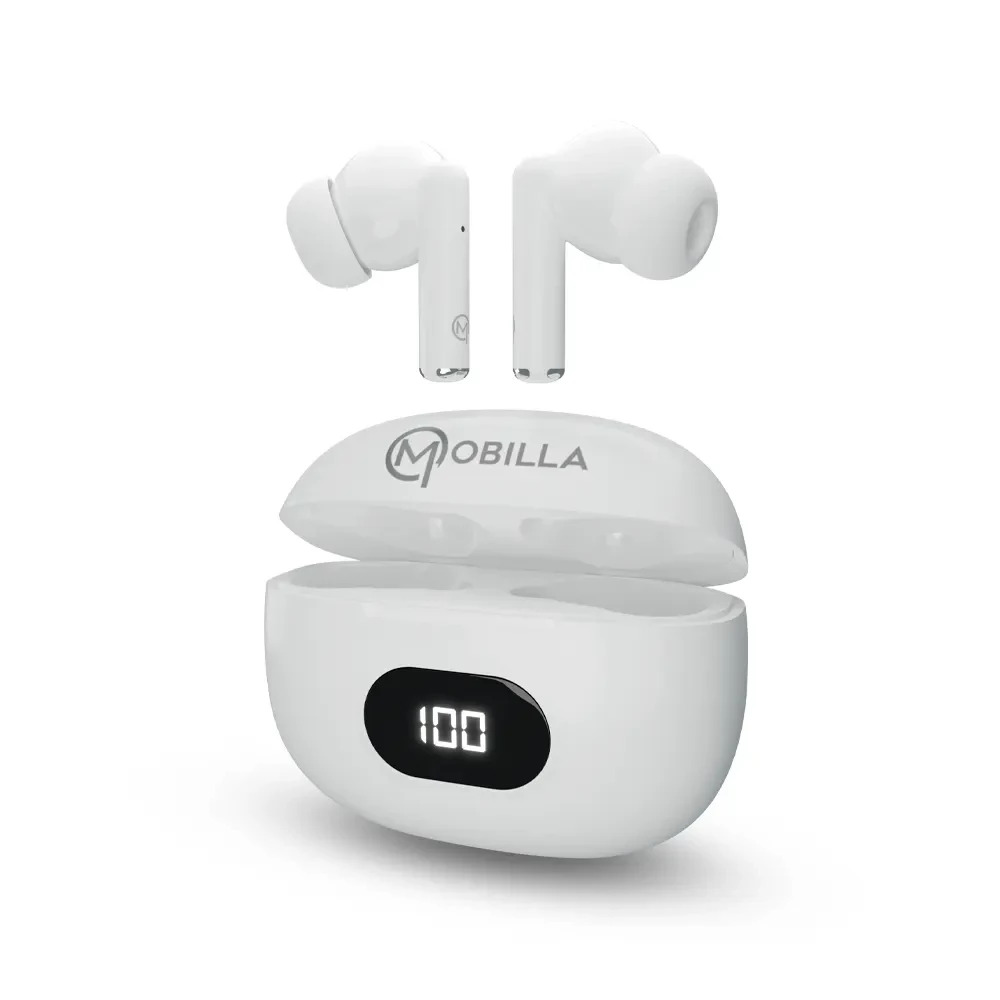
A: The digital LED indicator on the charging case displays real-time battery status for both the earbuds and the case. The blue LED segment display lets you monitor power levels easily without needing a separate app.
Q: What should I do if the touch controls are not responding?
A: Ensure your fingers are dry and clean, and gently tap on the touch-sensitive area as indicated in the user manual. Avoid using excessive force or holding the surface too long. If issues persist, reset the earbuds following the manual's instructions.
Q: How long does it take to fully charge the MBUDS 103PR earbuds and case?
A: Charging the earbuds and case with the included USB cable typically takes about 1.5 hours. Once charged, the earbuds provide up to 5 hours of playback, and the case extends overall usage up to 24 hours.
Q: Is the MBUDS 103PR compatible with all devices?
A: Yes, the MBUDS 103PR works with all Bluetooth-enabled devices including Android and iOS smartphones, laptops, and tablets, ensuring universal wireless connectivity.





 Send Inquiry


 Send Inquiry
 Send SMS
 Call Me Free


